A clinic website turns searches into bookings when every condition and treatment has its own page, each page answers the questions a patient asks before booking, and the booking button sits within reach on a phone. Add visible clinical credentials, a page for each town you serve, and a content system the clinic can update itself. Most template sites miss several of these at once.
We are writing this for the owner of a private clinic in Ireland: aesthetics, dental, private GP or physiotherapy. If your site came from a template and the phone rings mostly through word of mouth, this is the work that lets search do more of it.
Why template clinic sites lose the patient
A patient rarely starts by searching for your clinic. They search for the thing that bothers them, such as frown lines, a cracked tooth or a sore knee after running. Then they search for the treatment, often with a town name attached. A template site is usually built around the clinic, with a home page, an about page and one long services page. That structure gives Google little to match against either search.
One page for every service
When twenty treatments share one page, none of them can rank well for its own search. The page title can only describe one thing, and the copy for each treatment is a paragraph long. A patient searching for a specific treatment in their town lands on a competitor whose page is about exactly that.
No route from a condition to a treatment
Patients describe problems in their own words, and those words rarely match your treatment names. Someone with tired-looking skin does not know which peel or booster suits them. If nothing on the site connects the concern to the treatment, the visitor has to work it out alone, and many leave.
Questions left for the phone
Before booking, a patient wants to know what the treatment involves, how long it takes, any downtime, and roughly what it costs. Template sites tend to hide all of this behind "contact us for details". Each unanswered question is a reason to try another clinic instead.
Credentials buried
In medical work, the person doing the treatment is half the decision. A doctor's qualifications and registration often sit in a footer or a short biography. On a phone, that means the patient never sees them.
Booking that takes too many taps
Many clinic sites send every visitor to the same generic booking screen, opened from a menu. On a phone, the patient has to scroll back up, find the link, then search the booking system for the treatment they just read about.
The order of work
None of this needs a large site. It needs the right pages in the right order, with the clinic's own clinical knowledge in them.
- List the conditions and treatments patients search for. Start with what the clinic actually offers, then the everyday words patients use for the problems it treats. Each treatment gets its own page with its own title.
- Build a conditions page that routes to treatments. Group the concerns, and link each one to the treatment that addresses it. Where one treatment covers several areas, link to the exact section of the page.
- Put the facts patients need on every treatment page. Price from, treatment time, how long before results show, how long they last, and downtime, as the clinic states them. Add the questions patients ask most often.
- Show who does the treatment. Name the clinicians, their qualifications and their professional registration, on a page linked from every treatment.
- Make booking one tap from anywhere. Keep a booking button on every page, fixed to the bottom of the screen on phones. Where a page covers one treatment, open the booking system at that treatment.
- Write a page for each town you draw patients from. Make each one genuinely useful, with directions, parking and local questions, rather than the same copy with the town name swapped.
- Give the clinic control of the content. Prices, treatments and copy change. The clinic should be able to update them the same day without waiting for a developer.
Clinic copy also has to meet advertising rules. Have a clinician review every claim before launch. Speed matters too, because many of these searches happen on phones; our article on website speed and conversion covers that side.
How we did it for Dr Rhead Aesthetics
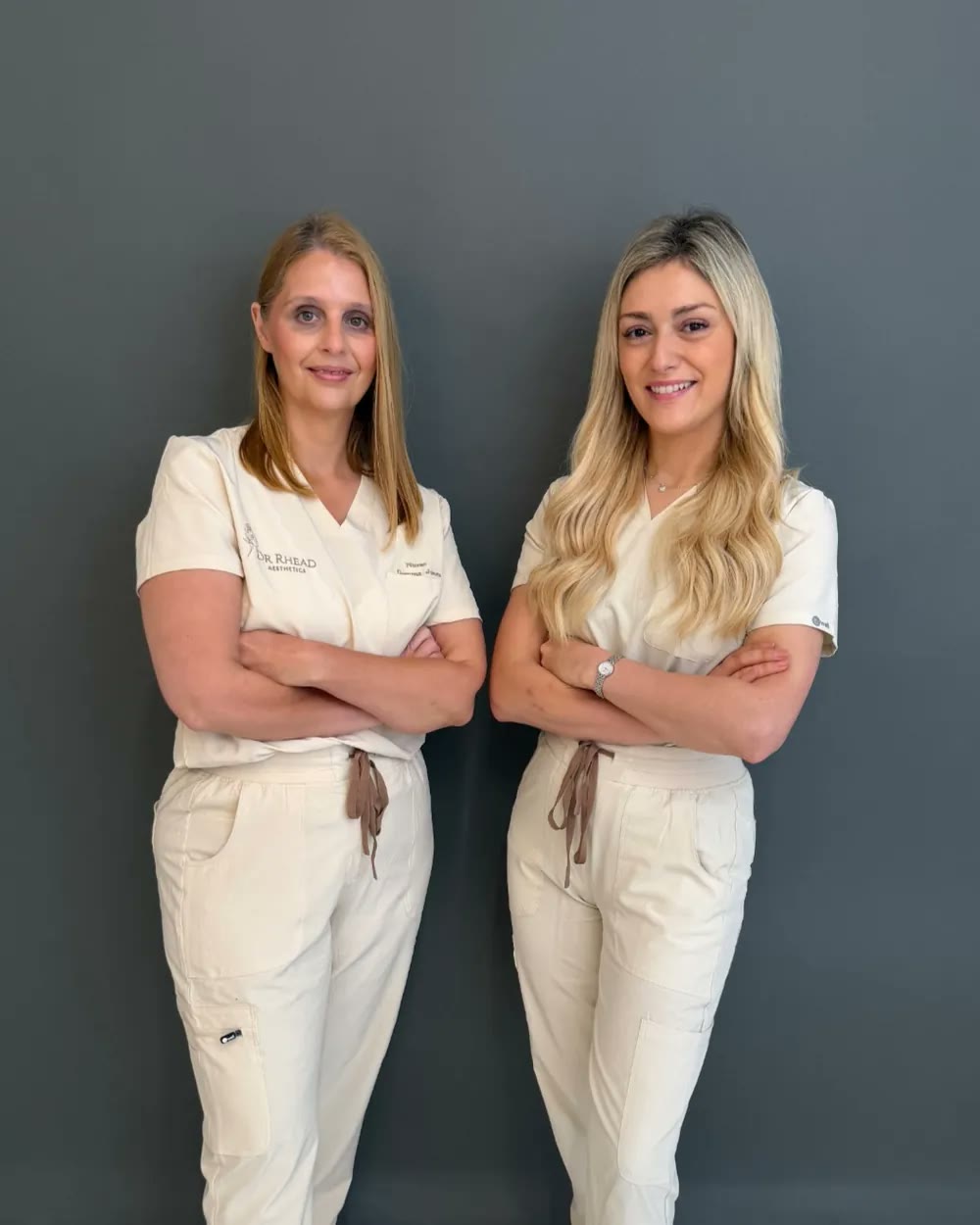
Dr Rhead Aesthetics is a doctor-led aesthetics clinic run by Dr Pam Rhead in Dollingstown, near Lurgan and Craigavon in Northern Ireland. The old site ran on WordPress. You can read the full project on our Dr Rhead Aesthetics case study.
Before building anything, we crawled the old site. Each old treatment address now redirects to its new page, so links patients and Google already had still work.
The new site gives each treatment its own page, grouped under face, skin, body and wellness. Every treatment page shows a starting price, the treatment time, how long results take to appear, how long they last and the downtime. The clinic sets each of those figures. Each page also answers the questions patients ask most often about that treatment.
The conditions page lists 29 concerns in four groups, from forehead lines to teeth grinding. Each one links to the treatment that addresses it. Where a treatment covers several areas, the link goes straight to the relevant section of the page.
The about page introduces Dr Rhead and the clinic's nurse prescriber, with their qualifications and registration. Patients can see who will treat them before they book. The consultation fee and how it is handled are stated plainly on the site.
Booking sits in the navigation on every page. On phones, a bar fixed to the bottom of the screen carries two buttons, one to book online and one to send a message. Where a treatment page maps to a single treatment, its booking button opens the booking system at that treatment. Pages that cover several options open the general booking page, so patients see the full range.
The site has a page for each of Lurgan, Portadown, Craigavon and Bangor. We wrote a rule into the build that town pages must carry useful local detail: postcodes covered, directions, parking and local questions. A page that only swaps the town name helps nobody, and search engines treat it as a doorway page.
Behind the pages, structured data describes the clinic as a medical business, each treatment as a medical procedure and the clinicians as physicians. Pages with questions carry structured data for those too. The clinic edits its own prices, treatments, copy and search titles through a content system, without a developer.
Bookings are up 280%. Search visits are up 400%.
That is how we approach every website we build for a clinic. Design earns the first impression, but the pages behind it decide whether a search becomes a booking.
What to ask whoever builds your site
Whoever you choose, these questions will show quickly whether they understand how patients find a clinic.
- Will every treatment have its own page, with its own title and its own questions answered?
- How will a patient who searches for a condition reach the right treatment?
- Where will our clinicians' qualifications and registration appear, and how many taps away are they?
- On a phone, how many taps does it take to book the treatment a patient is reading about?
- How will you keep the links and rankings our current site has earned?
- Can we change prices and treatments ourselves, the same day?
If you run a clinic and want your website to turn searches into booked appointments, you can start a project with us.